Set up your school once.
About ten minutes, the first time you open Yearbound.
Your school.
A school name if you use one, your name and title, your address. It prints on your documents.
Your children.
Name, date of birth, grade. Switch between them in the sidebar. Two children are free; Plus covers all of them.
Your school year.
Start and end dates, holidays and breaks, and the days you plan to teach.
Your state.
Pick it, and Yearbound fills in the days or hours your state asks for, with a link to the state’s own page.
Courses for high schoolers.
Title, subject, level (regular, honors, AP, dual enrollment) and credits.
Your break month.
On the monthly plan, pick the month you take off, and you won’t be charged for it.
Plan your year.
Lay out the subjects for the year and a simple plan for each week. When life happens, nothing is “late”. Yearbound just shows what’s left.
The year at a glance.
Subjects for each child, and how many days or hours you’d like for each.
Plans that bend.
Sick day or a lesson that runs long? Nothing turns red. The week moves along with you.

Log the day in about two minutes.
Tick the subjects you covered. Add minutes if you count hours.
Add a line about the day, or drop in a photo or worksheet.


Done. The day counts toward attendance, hours and credits.


Missed a few days? Fill them in later. Yearbound never nags or counts a break as a missed day.
The year adds itself up.


Days and hours.
Totals against your state’s requirement, always current.
Grades.
Enter them per term, as letters or percentages. Your grading scale is set once.
Field trips and outside classes.
Co-ops, lessons and trips count, with their own hours.
Open it, check it, print it.
Every document is built from what you’ve already logged. Nothing to retype.


 Edit details
 Export PDF
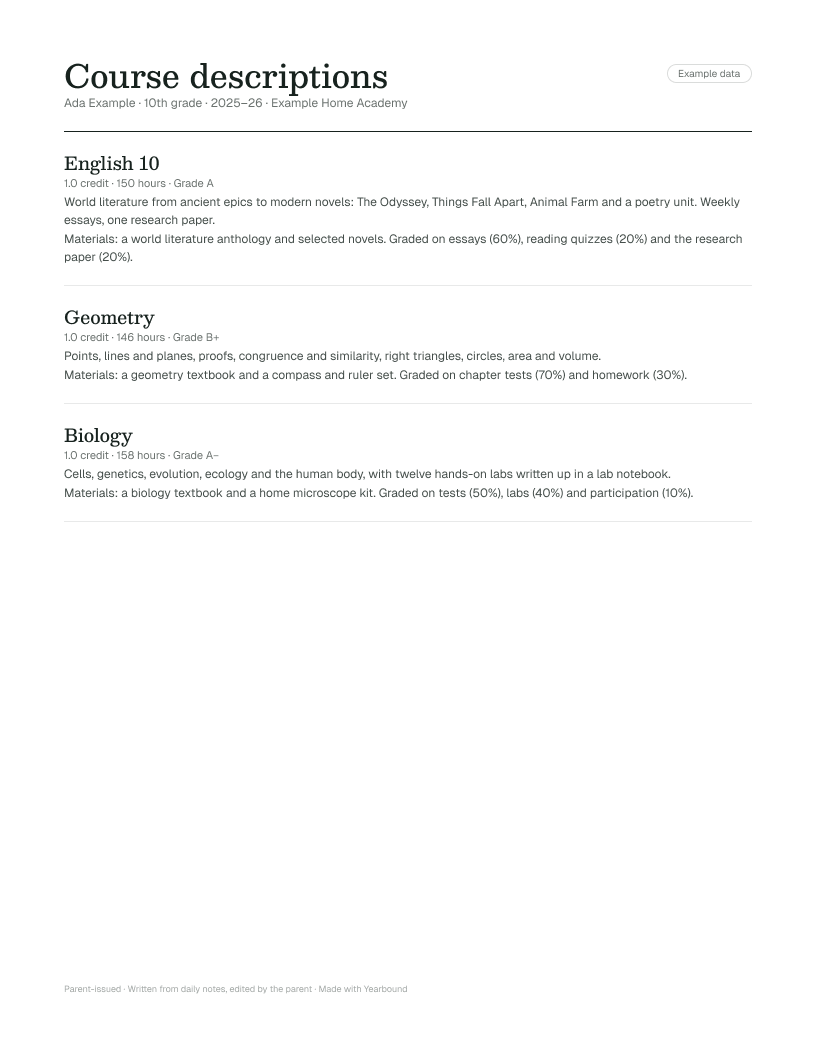
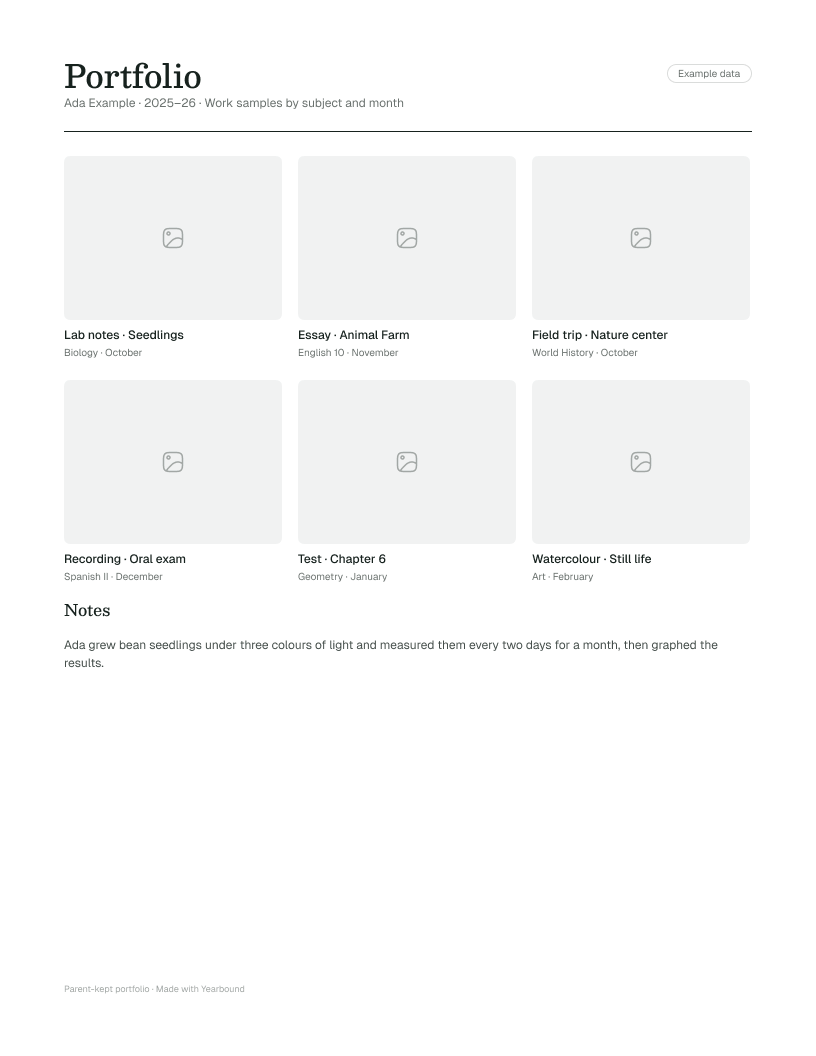
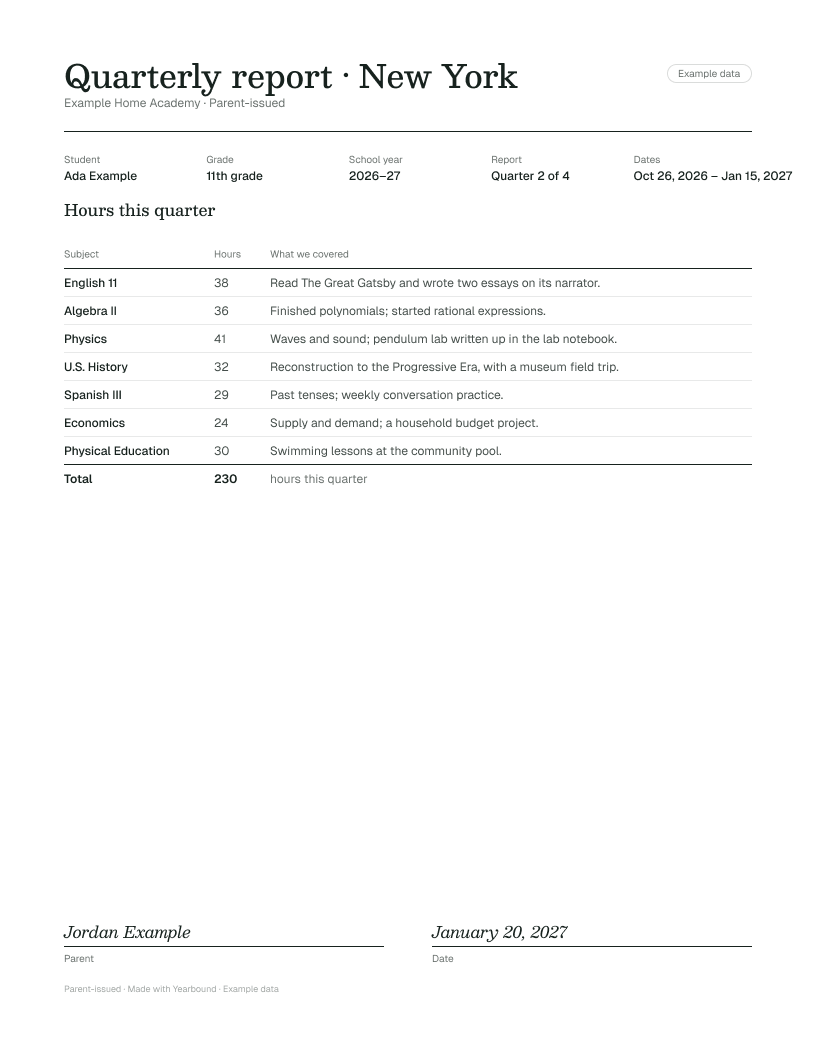

Sign it, date it, send it. Every document is parent-issued and says so.
Close the year in an afternoon.
Attendance record
For your files.
Portfolio
Work samples and notes from the year, in one PDF.
State report
If your state asks for one.
Then “Start next year” carries your children and courses forward.

Start this school year with everything in one place.
Every day you tick now is a line on the transcript later.